 IntentOS
Intentional browsing: using the internet on purpose
Updated 2026-11-29
Most lost time online doesn't start with a decision. It starts with a reflex: a new tab, a familiar site, a feed that's already loaded. Intentional browsing means putting a decision back in front of that reflex.
The four-step habit
- Name it. Before opening YouTube, Reddit or X, say what you're there for in one sentence: "Find a tutorial on Python decorators", "Check r/homelab for an answer about my router."
- Box it. Give it a time: 10 minutes for a quick answer, 25 for a focused task, 45–60 for a long video or deep research.
- Narrow the entrance. Arrive through search, a bookmark, a subreddit or a profile, not the home feed.
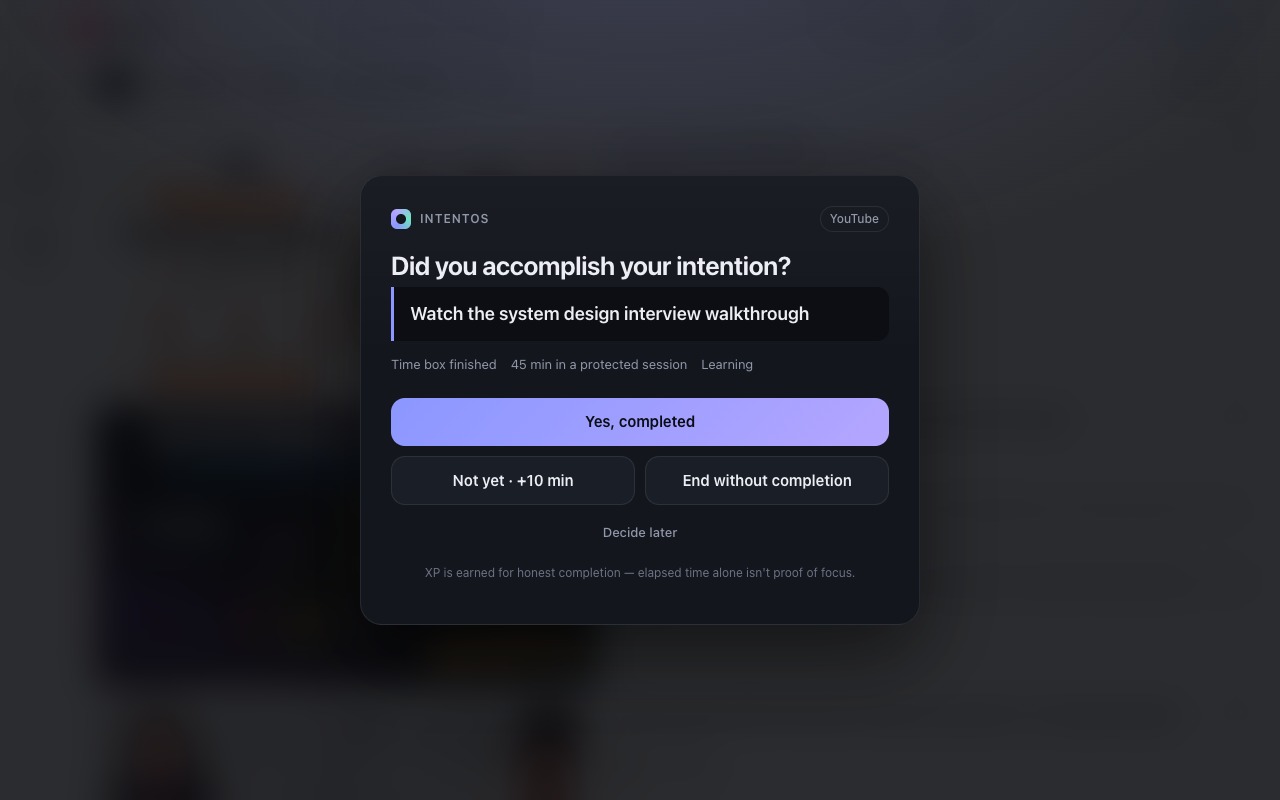
- Review it. When time's up, ask: did I do what I came for? "Not yet" is fine. Choosing to keep going is fine. Drifting without noticing is what you're trying to stop.
Why naming the goal helps
Feeds work by offering the next thing before you've decided whether you want anything. A stated intention gives you something to compare against: "Is this video part of what I came for?" is an easy question to answer. Without an intention there's nothing to answer it against.
Doing it without any tools
- Write the intention on a sticky note or in a text file before you open the site.
- Start a phone or kitchen timer.
- Use the built-in settings in our YouTube, Reddit and X guides to weaken the feeds.
- Keep a simple log: date, intention, minutes, done or not. After a week you'll see your patterns.
Doing it with a browser extension
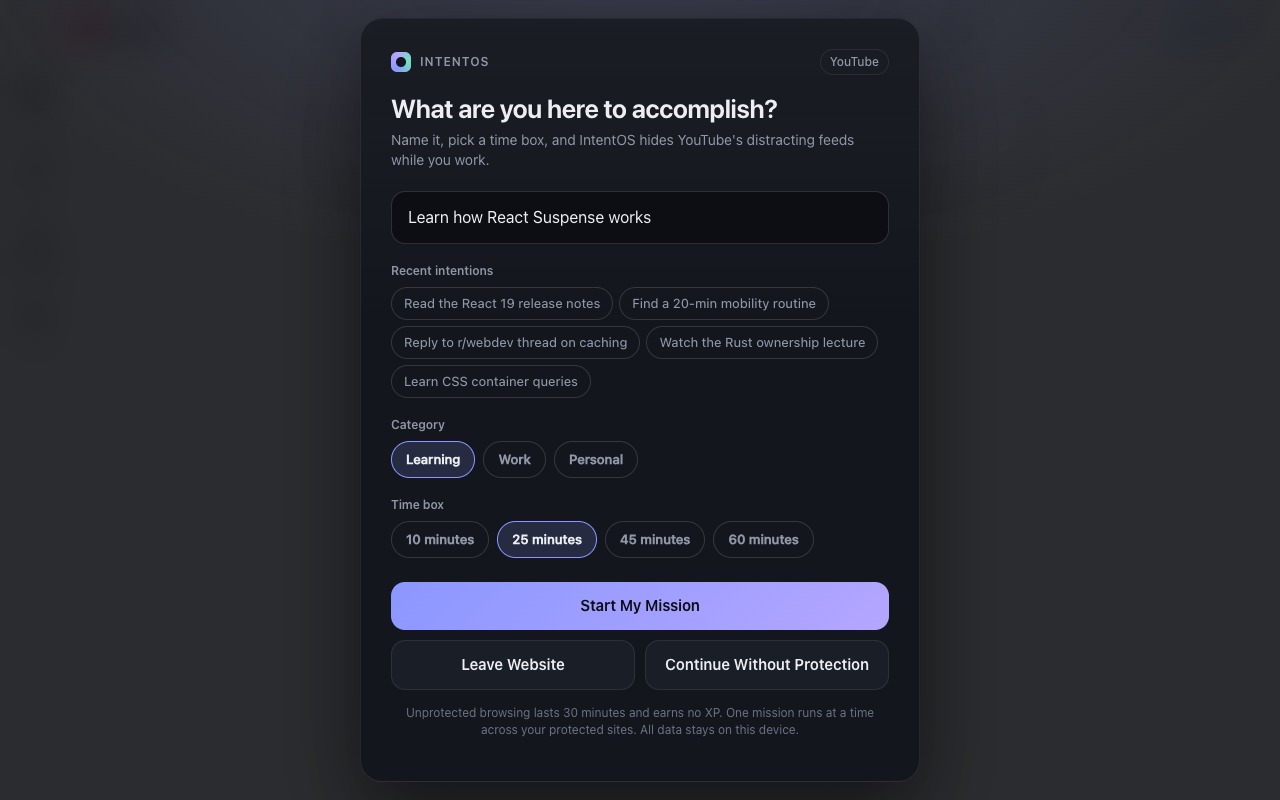
Intention-prompt extensions put the question in front of you automatically when you open a site. They differ in what happens next: some only ask, some add a delay, some block. IntentOS asks your intention and time box, hides the site's feeds for that mission, and asks at the end whether you did it.
Keep an escape hatch
Rules you can never break tend to get uninstalled. A good intentional-browsing setup lets you deliberately choose to browse freely. In IntentOS that's "Continue Without Protection" for 30 minutes. It's logged, so the choice is visible, not hidden.